

Steps
- 1
Install TextHumanizer
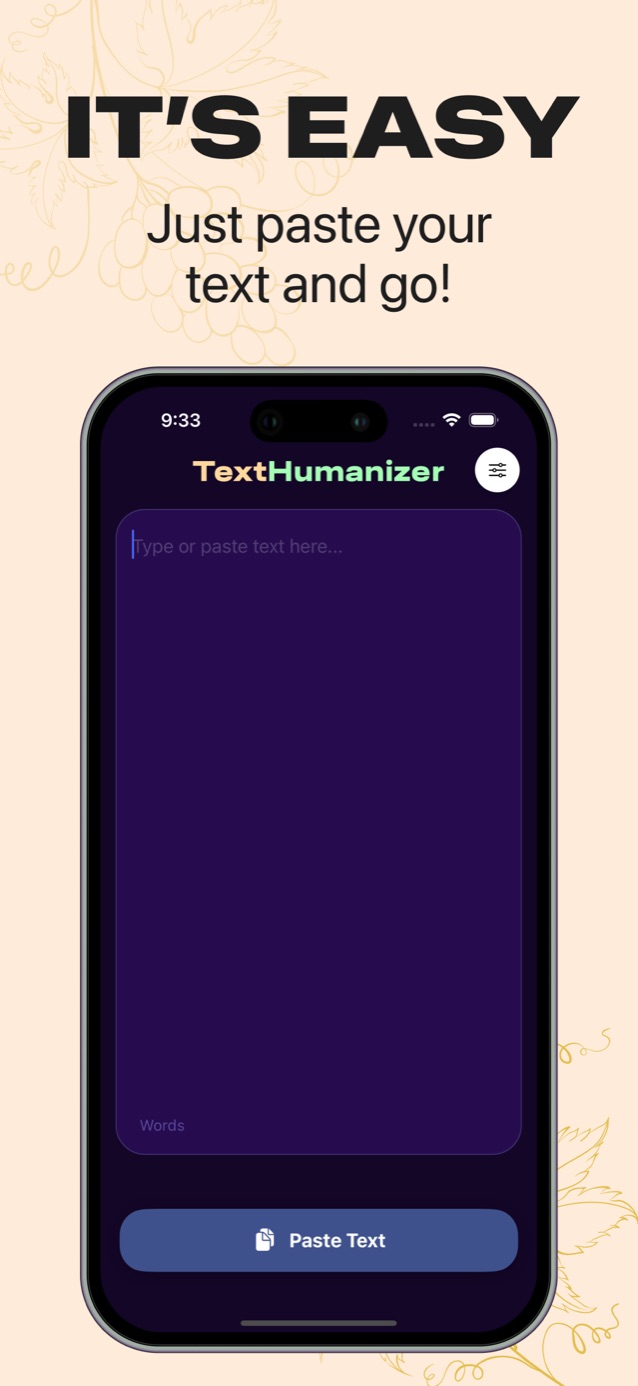
Download it from the App Store. It opens straight to the editor with no sign-up form.
- 2
Pick your language
Tap the settings button in the top right and choose the language you want the output in.
- 3
Paste and humanize
Tap Paste Text, then Humanize Text. The rewrite replaces your draft in the editor.
- 4
Check and copy
Tap Check for AI to see the score, then Copy Text and paste it wherever you need it.
Why use a humanizer app on your phone
A lot of writing now starts on a phone: a ChatGPT answer on the bus, a caption, an email reply, a discussion post due at midnight. Switching to a laptop to clean it up is the step people skip, and that is when stiff AI text goes out unedited.
With the app, the copy, humanize and paste loop stays on the phone. The word counter shows the length as you go, and the score card tells you whether the text still reads as AI.
Humanize text in 24 languages
TextHumanizer writes its output in the language you choose. That includes English, Spanish, French, German, Italian, Portuguese, Arabic, Hindi, Japanese, Korean, Chinese, Turkish, Polish, Indonesian, Vietnamese and more.
This helps if you write in a second language. Paste an English draft, set the output to English, and you get natural phrasing instead of textbook sentences. Or keep everything in your own language from start to finish.
Try it on your own text
Paste a paragraph and see your AI score before and after.
Paste your text and go.
Download on the App StoreTips for better results on iPhone
Humanize a few paragraphs at a time rather than a whole dissertation. You can read the result properly on a small screen and catch anything that changed meaning.
After humanizing, add one detail of your own before you copy. Even a single specific sentence makes the text more clearly yours.
If the score is still higher than you'd like, look at which paragraph sounds most generic and rewrite that one by hand.
Pricing
TextHumanizer is free to download and starts with a 3-day free trial. After that you can choose a weekly or a yearly subscription. You manage or cancel it in Settings, under your Apple ID, then Subscriptions.
Questions
Is there a TextHumanizer app for Android?
TextHumanizer is available for iPhone on the App Store today. Android and web versions are in progress.
Do I need an account to use TextHumanizer?
No sign-up form is required. The app creates an anonymous session when you open it, and you can sign in with Apple if you want to keep your subscription across devices.