Check for AI
Get a percentage for how machine-written your text reads before you hand it in, post it or send it.
 TextHumanizer
AI humanizer for iPhone
Paste a draft from ChatGPT, Gemini or Claude. TextHumanizer rewrites it so it reads like a person wrote it, then shows how likely a detector is to flag it.
Free 3-day trial. Works in 24 languages.
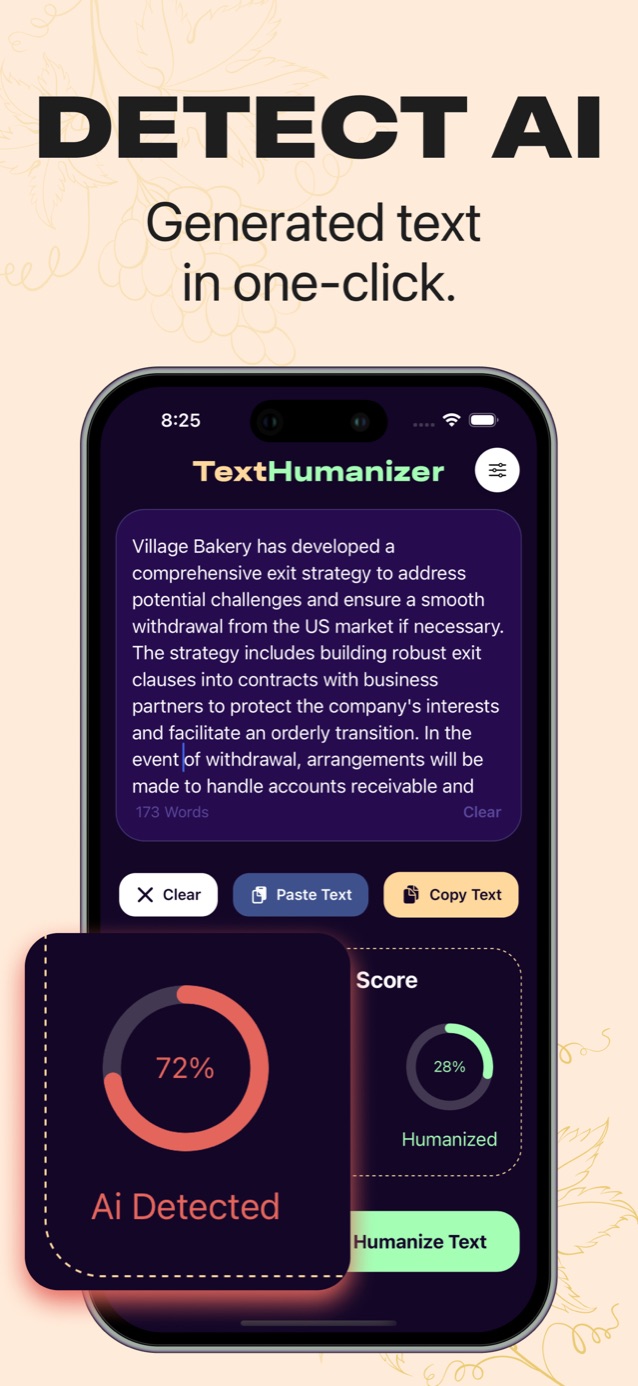
Two tools on one screen: an AI checker and an AI text humanizer.
Get a percentage for how machine-written your text reads before you hand it in, post it or send it.
Stiff, repetitive AI sentences get rewritten with varied rhythm and everyday wording. Your meaning stays the same.
Pick the language you write in, from English and Spanish to Japanese, Arabic, Hindi and Turkish.
Open the app and paste. There is no email to enter and no account to create first.
Screenshots
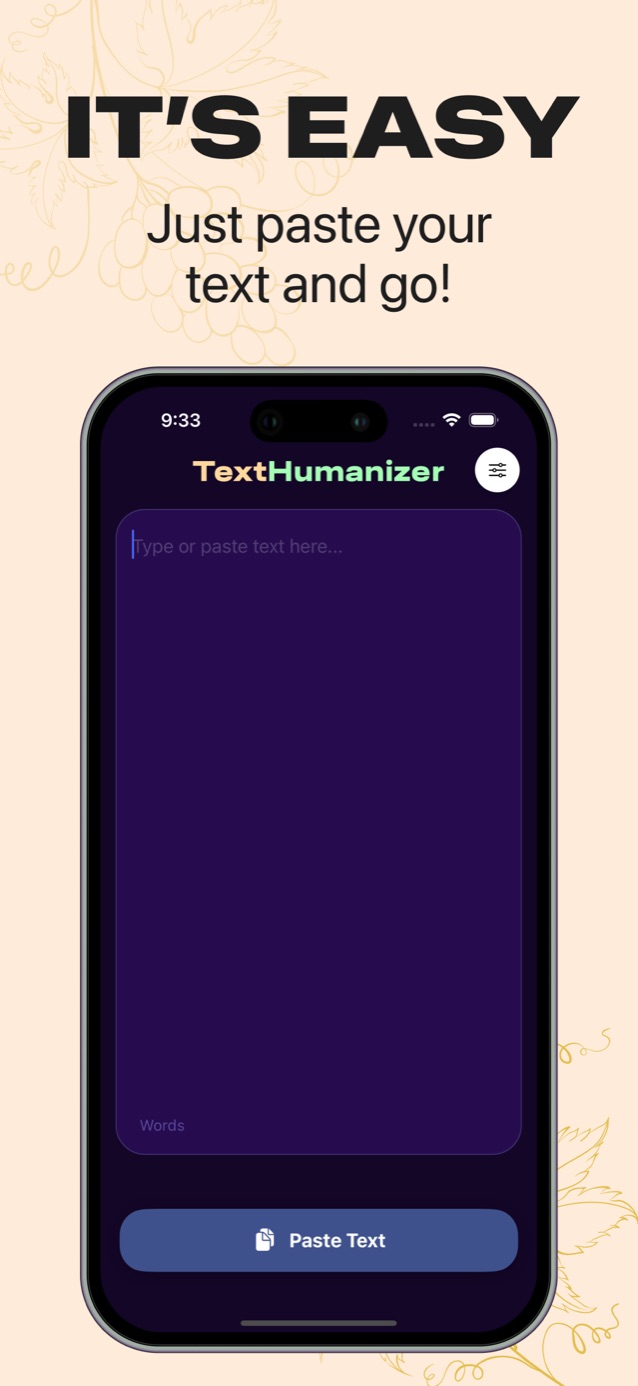
How it works
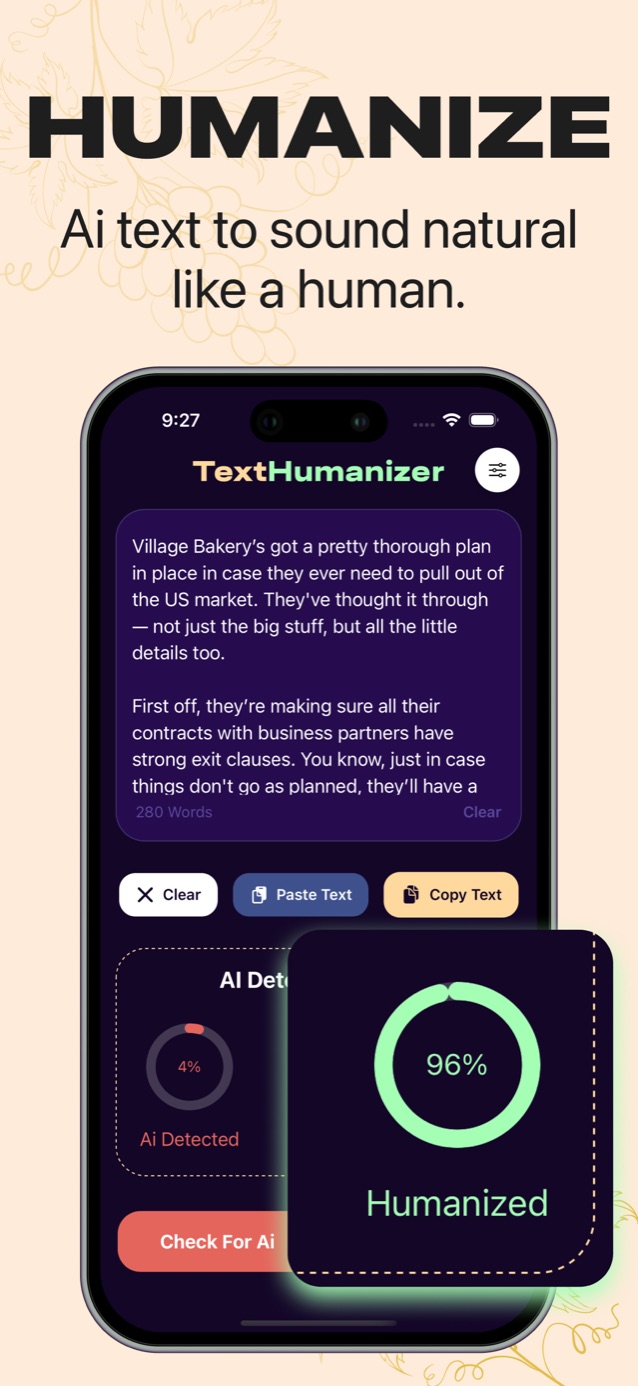
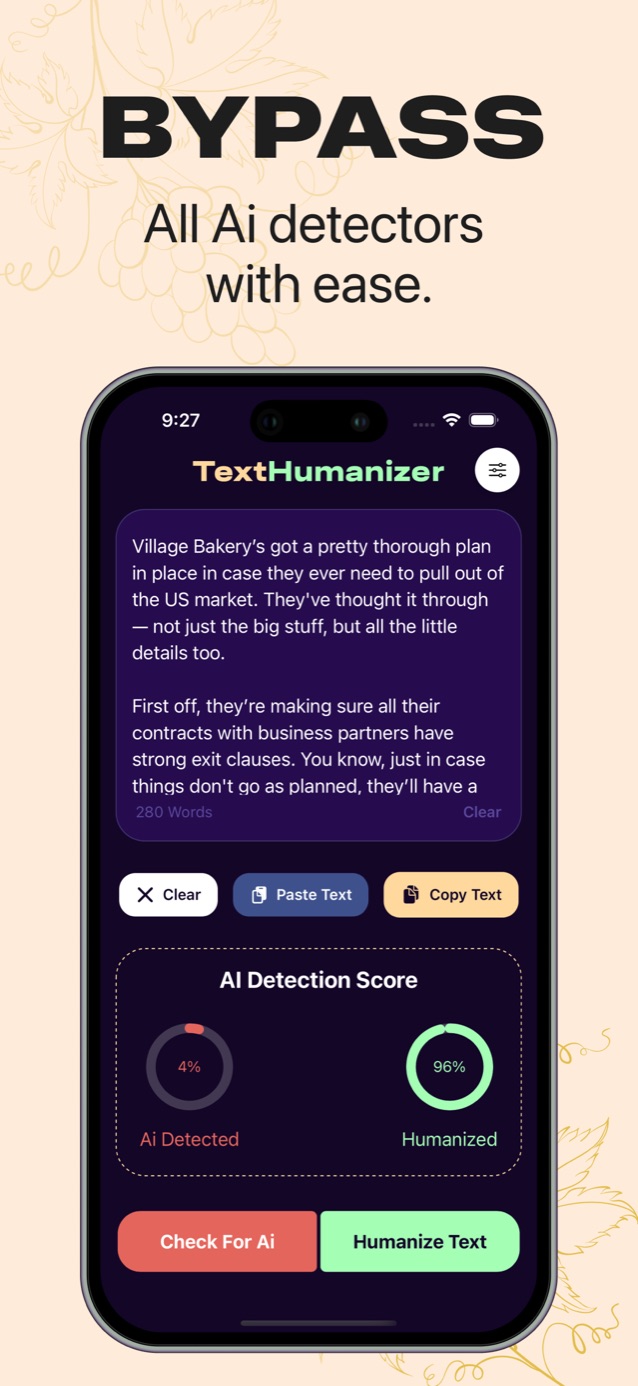
Copy a draft from ChatGPT, Google Docs or your notes and tap Paste Text. The word count updates as you go.
TextHumanizer rewrites the draft in the language you picked in settings.
Tap Check for AI to see the new score, read it through once, then tap Copy Text.
Guides
Guide
Humanize AI text in four steps: fix the rhythm, cut stock phrases, add your own details and check the AI score before you use it.
Guide
Check if text is AI-generated with a detector score plus four manual signs. How to read the result and what to do when it comes back high.
Guide
Make ChatGPT sound more human with better prompts, edits that fix its tells, and a quick AI check before you use the text anywhere.
Articles
Article
Turnitin flags a lot of raw ChatGPT text and added humanizer detection in 2025, but it misses edited text and makes false positives.
Article
AI detectors score how predictable text is using perplexity, burstiness and trained classifiers. How they work and why they get it wrong.
Article
Human writing gets flagged as AI when it is formal, predictable or heavily edited. The common causes, who is most affected and what to do.
FAQ
An AI humanizer rewrites text produced by tools like ChatGPT so it reads like a person wrote it. It changes sentence length, word choice and structure while keeping the meaning.
Learn moreYes. Paste the text and tap Check for AI. You get a percentage for how likely the text is to be read as machine-written, so you can decide what to edit.
Learn moreTurnitin flags a lot of unedited ChatGPT text and added a check for humanized text in 2025. It also makes mistakes, which is why many universities say the score alone is not proof.
Learn moreDetectors score predictability. Plain, formal or carefully edited writing can look predictable, and research has found higher false-positive rates for non-native English writers.
Learn moreIt depends on your school's or employer's rules for AI tools. Using it to polish your own AI-assisted draft is allowed in many settings. Submitting work you did not do usually is not.
Learn moreA paraphraser swaps words and reorders clauses. A humanizer targets the patterns detectors look for, such as uniform sentence length and stock phrases.
Learn moreTextHumanizer can write its output in 24 languages, including English, Spanish, French, German, Portuguese, Arabic, Hindi, Japanese, Korean, Chinese and Turkish.
Learn moreThe app is free to download with a 3-day free trial. After that it is a weekly or yearly subscription, and you can cancel any time in your Apple ID settings.
Learn moreTry it free
Download TextHumanizer, paste a paragraph and compare the scores before and after.
Download on the App Store